
September 21, 2026 · 6 min read
How to save recipes from TikTok, Instagram and YouTube
Bookmarking a recipe video is not the same as saving the recipe. Four ways to get recipes out of TikTok, Instagram and YouTube and into a form you can cook from.
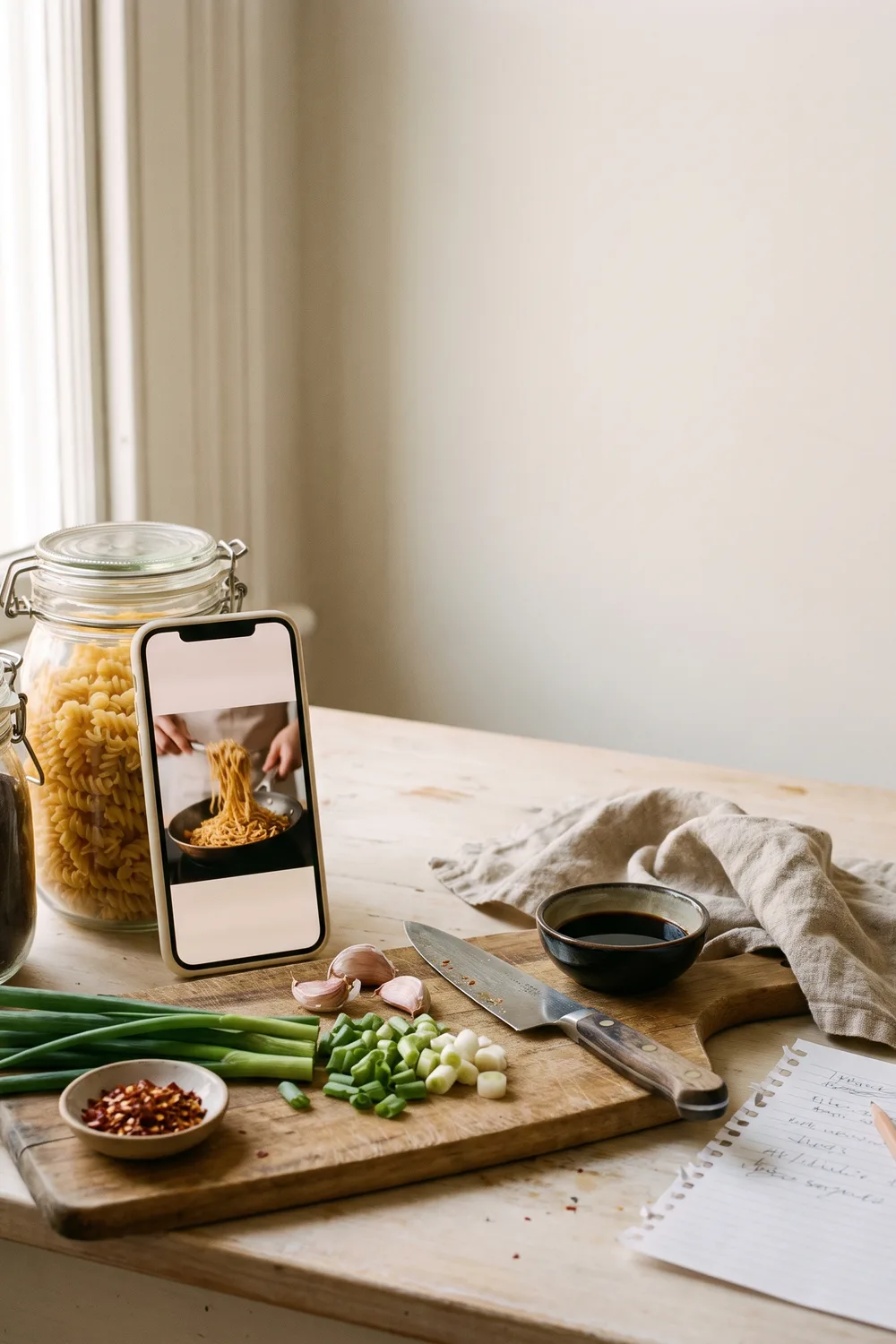

To save a recipe from TikTok, Instagram or YouTube, you need to get it out of the video and into text: a list of ingredients with amounts, and numbered steps. The save button inside each app only bookmarks the video. It does not store the recipe, it cannot be searched by ingredient, and it disappears if the creator deletes the post. You can write the recipe out by hand, copy it from the caption, or use an app that reads the video and writes it for you.
That is the short answer. The rest of this guide covers each method, what it costs you in time, and which one fits how you cook.
Why does saving the video not work?
You have done this. A sixty second video of someone making crispy chili oil noodles, you tap the bookmark, and you feel like you have done something. Three weeks later it is one of four hundred saved posts, somewhere between a hiking trail and a haircut.
The bookmark fails for three specific reasons.
It saves a video, not a recipe. When you finally find it, you still have to watch it again, pause on the ingredients, rewind for the amount of soy sauce, and pause again with wet hands when the pan is hot. A video moves at the creator's speed. Cooking moves at yours.
It cannot be searched the way you think about food. You do not remember a recipe as "that video from March". You remember it as "the thing with chickpeas". No social app can search your saved posts by ingredient, because it never knew the ingredients in the first place.
It is not yours. Creators delete posts, accounts go private, and sounds get removed for copyright reasons, taking the video with them. A saved post is a pointer to something on someone else's account. When the target goes, your bookmark goes quiet with it.
Where is the recipe actually written down?
Before you choose a method, find out where the creator put the real recipe, because it is often not in the video at all.
Check the caption first. On Instagram and TikTok, many food creators paste the full ingredient list under the video. Tap "more" to expand it.
Check the pinned comment. When a caption runs out of room, the recipe usually goes in the first comment, pinned by the creator.
Check the description on YouTube. Longer cooking videos often carry the full recipe in the description box, or a link to the creator's own site where it is written out properly.
Check the link in the creator's profile. If they have a blog, the complete version with exact amounts lives there, and that page is the one worth saving.
If none of these exist, the recipe lives only in what the creator says and shows, and you will have to extract it yourself.
What are the ways to save a recipe from a video?
There are four, and they trade time against reliability.
1. Use the save button inside the app. It takes one second and it is fine for entertainment. As a cooking system it fails for the reasons above. Use it as an inbox, not as a cookbook.
2. Take screenshots. Slightly better, because a screenshot is yours and survives a deleted post. But the recipe ends up scattered across five images in a camera roll next to everything else you photograph, still unsearchable, and the amounts that were only spoken aloud are not in any of them.
3. Write it out yourself. Watch the video once with a notes app open, and type the ingredients and steps. This is the most reliable manual method and it produces something you can genuinely cook from. It costs ten to fifteen minutes per recipe, which is why almost nobody keeps it up past the first week.
4. Use an app that converts the video into a recipe. You share the video from TikTok, Instagram or YouTube to the app, and it reads the post and writes a structured recipe with ingredients, amounts and steps. It is far quicker than typing, and the result is searchable text you own.
How does turning a video into a recipe work?
This is what Plate does, so here is the honest version of how it goes.
In TikTok, Instagram, YouTube, X or Pinterest, tap the share button on the post and choose Plate, or copy the link and paste it into the app. Plate reads the post and writes the recipe: a title, an ingredient list with quantities, numbered steps, and an estimate of calories and macros for each ingredient. You can edit anything it got wrong before you save it.
Two things are worth knowing. First, the result is only as complete as the source. If a creator never says how much flour they used, no tool can know it for certain, and Plate will give a sensible estimate that you should check the first time you cook it. Second, Plate is an iPhone app, with an Android version on the way. The free tier lets you try AI recipe creation with some limits, and Plate Pro removes them.
Whichever tool you choose, the test is the same. After saving, can you find the recipe by typing an ingredient, and can you cook from it without opening the original video? If yes, it is saved. If no, it is still just bookmarked.
What should you do with the recipes you have already saved?
You probably have a few hundred saved videos already. Do not try to convert them all. Most of them you saved because they were fun to watch, and that is fine.
Scroll your saved folder once and pick the ten you would honestly cook this month. Convert those ten properly, by hand or with an app. Then cook one this week. A cookbook of ten recipes you use beats an archive of four hundred you scroll past, and once the ten are in, adding the next one when you see it is a small habit rather than a lost afternoon.
Common questions
Can you save a recipe from TikTok without downloading the video?
Yes. You do not need the video file at all. What you need is the recipe as text, which you can get by copying the caption, writing it out while watching, or sharing the video's link to a recipe app such as Plate that writes the ingredients and steps for you. The link is enough.
What happens to saved recipes if the creator deletes the video?
A save or bookmark inside TikTok, Instagram or YouTube stops working when the original post is deleted or made private, because it only points to that post. A recipe you have written out or converted into your own recipe app stays with you, since it is a separate copy stored in your own collection.
Is there an app that turns Instagram Reels into written recipes?
Yes. Plate for iPhone converts Instagram Reels and posts, TikTok videos, YouTube videos and Shorts, X posts and Pinterest pins into structured recipes with ingredients, steps and nutrition estimates. You share the post to Plate from the share menu, or paste its link.
Is it legal to save someone else's recipe for yourself?
Saving a recipe for your own cooking is personal use, the same as copying one from a cookbook into a notebook. Ingredient lists and basic methods are generally not protected by copyright, although a creator's video, photos and written storytelling are. Keeping a private copy to cook from is fine. Republishing the creator's content as your own is not.
Your next recipe starts with a photo.
Turn any meal into a beautiful visual recipe. Be among the first to cook with Plate.
From the kitchen
All stories
September 21, 2026 · 6 min read
How to digitize handwritten family recipes
September 21, 2026 · 6 min read
How to calculate calories and macros in a homemade recipe
September 12, 2026 · 5 min read
How to organize every recipe you have ever saved